
A single restricted hashtag can take an otherwise good post and quietly suppress its entire reach. Instagram doesn't tell you when you've used one. The hashtag still appears in your caption, your post still publishes, and the analytics tab still loads — but the post never surfaces on the hashtag's feed page, and the algorithm reads your use of that tag as a soft trust signal in the wrong direction. The damage is invisible, which is why so many otherwise-good captions are silently underperforming.
This post is the working 2026 reference: 47 hashtags that have been restricted, limited, or banned at some point in the past 24 months, grouped by the four signal patterns that get a tag flagged. The platform's restriction list updates weekly and never publishes officially — what you'll see below are the consistently-flagged tags plus the rule pattern so you can avoid the next one too.
Quick answer
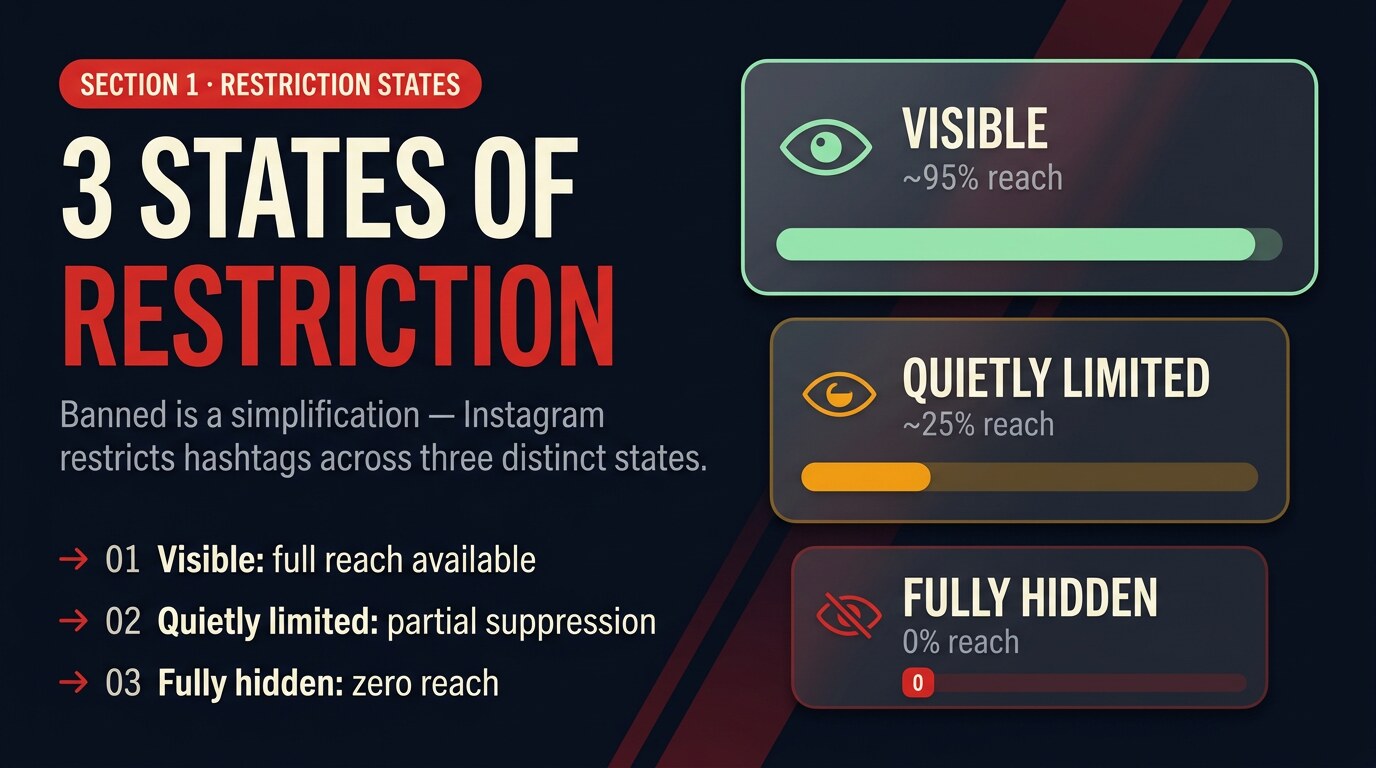
Instagram doesn't fully ban hashtags — it quietly restricts them. There are three restriction states (visible, quietly limited, fully hidden), four patterns that trigger restriction (NSFW-adjacent, spam-magnet, contest-loophole, automation-trigger), and roughly 47 commonly-flagged tags at any given time. Check every hashtag before publishing — the list updates weekly.
What's in this post
How Instagram restricts a hashtag
The word "banned" is a simplification. Instagram restricts hashtags along three distinct states, each with a different impact on reach. Understanding which state your hashtag sits in is the first step to figuring out what's actually happening to your post.
A quietly limited tag is the most dangerous of the three because nothing in the app tells you the hashtag is sitting in this state. The feed page for the tag still exists, recent posts still show, but the algorithm gates the distribution downstream. A fully hidden tag returns either no feed page at all or a "Recent posts hidden" message visible only when you tap into the tag. Either way, your post earns zero reach from a restricted tag.
The 4 signal patterns that trigger a ban
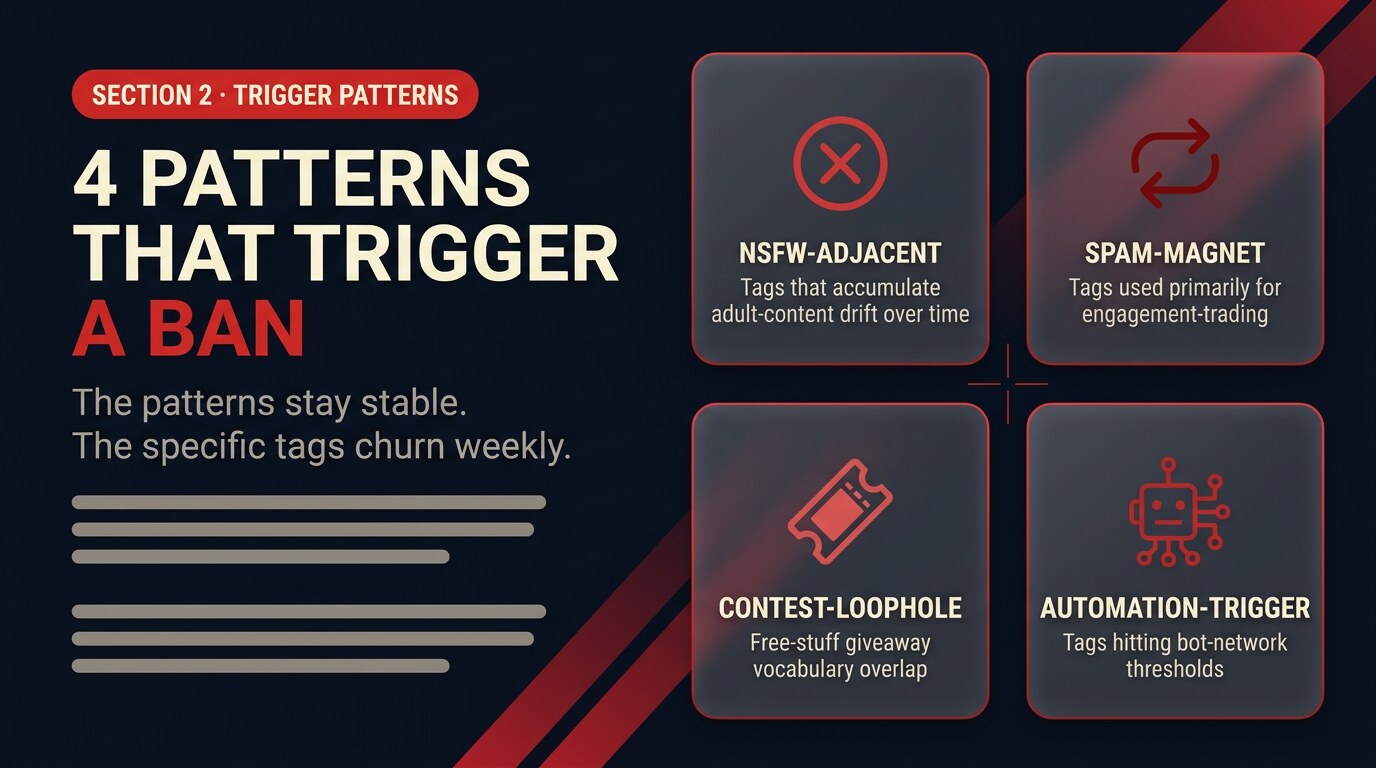
Hashtags don't get restricted randomly. Four distinct signal patterns consistently push a tag into limited or banned territory, and the patterns matter more than the specific tags because the list churns weekly while the patterns stay stable.
1. NSFW-adjacent context. Tags that started innocent but accumulated adult content over time. Even neutral words can pick up adjacent meaning — #adulting, #balconies, #pushup, #beautyblogger have all been quietly restricted at some point because too much content under them slipped into the adult-content zone for the moderation classifier.
2. Spam-magnet patterns. Tags that attract follow-for-follow and like-for-like networks. #likeforlike, #followforfollow, #f4f, #l4l, #tagsforlikes, #instafollow — if a tag's primary use is engagement-trading, Instagram treats it as a trust-degrading signal and limits its reach.
3. Contest-and-incentive loopholes. Tags around free-stuff giveaways or audience-buying. #freefollowers, #freelikes, #freegram, #shoutoutforshoutout — even legitimate giveaways get pulled into the pattern if they overlap with the spam vocabulary.
4. Automation triggers. Tags used heavily by bot networks and automation tools. The list rotates fast here because automation tooling cycles through what's working — #italiano, #humpday, #elevator, #wtf have all been temporarily restricted for hitting bot-network thresholds.
47 hashtags currently flagged
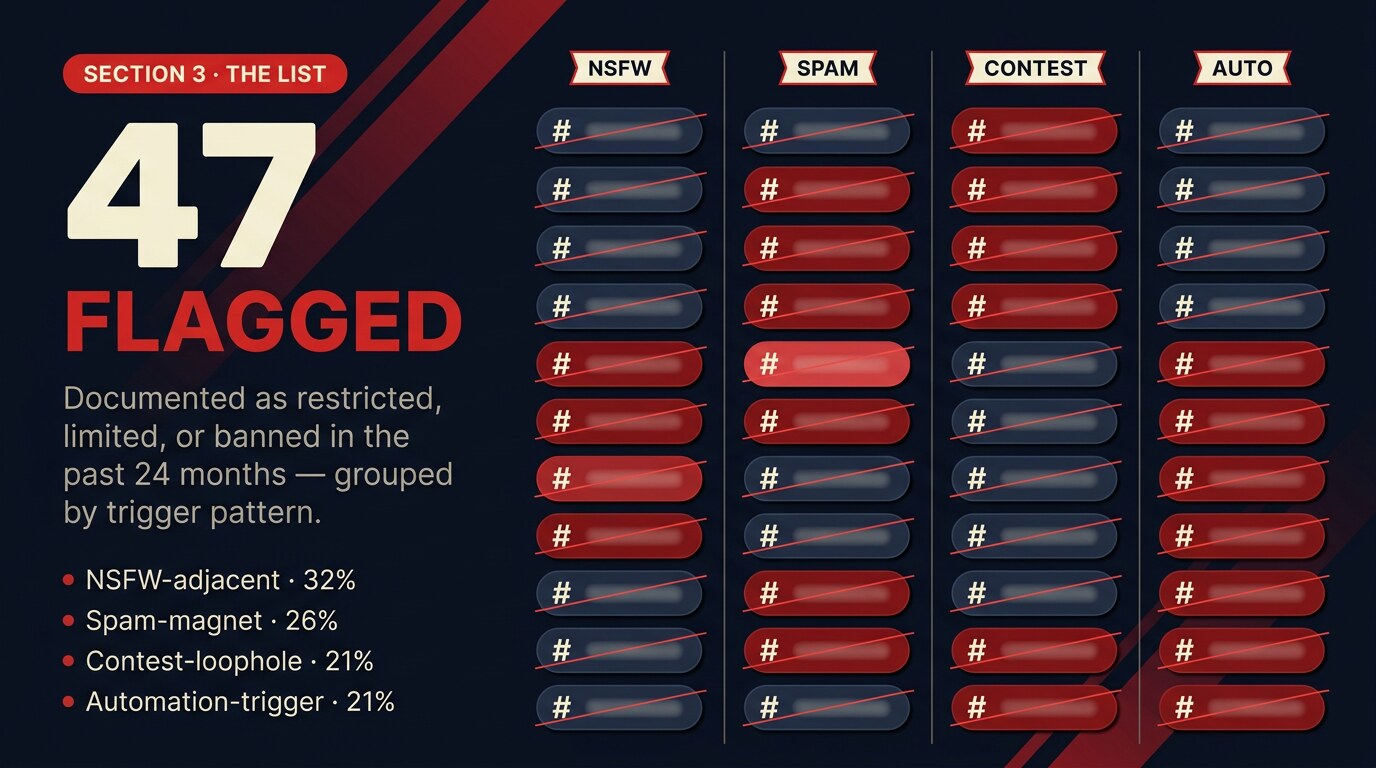
The 47 below have been documented as restricted, limited, or banned at some point during the last 24 months. The list updates weekly and is never published officially by Instagram — treat this as a strong starting point, not a permanent record. Check the live status of any specific hashtag in the next section before deploying it in a campaign.
| Category | Frequently-flagged hashtags |
|---|---|
| NSFW-adjacent | #adulting · #alone · #balconies · #beautyblogger · #dating · #hardworkpaysoff · #killingit · #latina · #pushup · #single · #singlelife · #snap · #sopretty · #stranger · #valentinesday |
| Spam-magnet | #likeforlike · #followforfollow · #l4l · #f4f · #tagsforlikes · #likes4likes · #instafollow · #instalike · #spamforspam · #shoutoutforshoutout · #4l · #tagforlikes |
| Contest-loophole | #contest · #freefollowers · #freelikes · #freegram · #shoutout · #photographysouls · #photographyislifee · #youngmodel · #thought · #newyears |
| Automation-trigger | #italiano · #humpday · #elevator · #wtf · #americano · #curvygirls · #petite · #sunday · #brain · #workflow |
Notice some of these are completely innocent in isolation — #beautyblogger, #italiano, #valentinesday. The restriction isn't on the word's meaning, it's on the content the tag has been accumulating. That's why a live check matters more than this static list does.
How to check before you publish
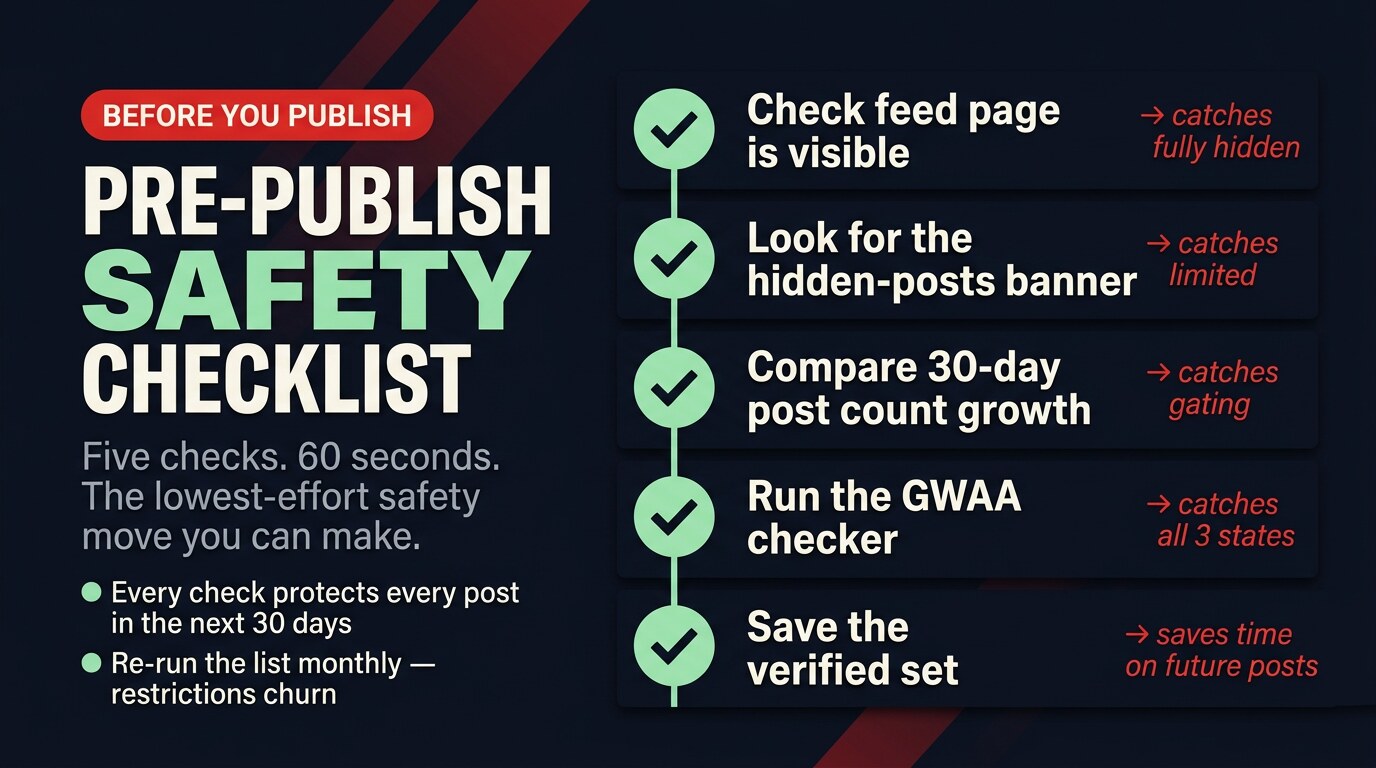
The platform doesn't surface restriction status in the composer, which is why most creators only discover the problem after a post underperforms. The five-step check below is the lightest workflow that catches all four signal patterns reliably.
Check the feed page
Tap the hashtag in any post or search for it directly. If the page shows recent posts, it's not fully hidden — but that doesn't rule out quiet limiting.
Look for the banner
Instagram shows "Recent posts are hidden" on most quietly-restricted tags. If you see that banner, the tag is restricted.
Compare post counts
A normal niche tag accumulates posts steadily. A flat or shrinking post count over 30 days usually means the tag is gated.
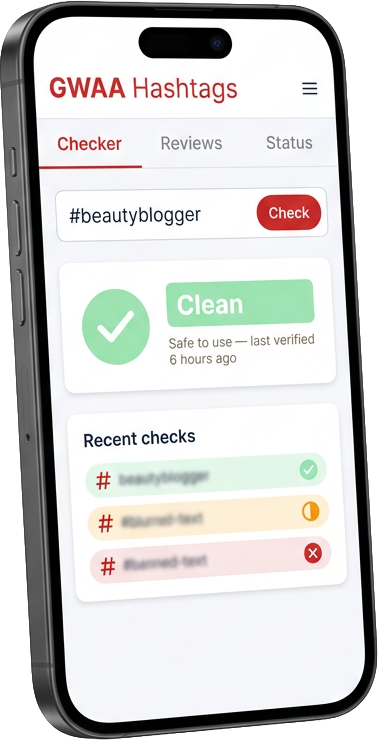
Run a checker tool
A live checker queries the platform's public-feed endpoint and returns visible / limited / hidden. Faster than the manual checks above and catches edge cases.
Save your clean set
Once a tag has been verified clean, log it in a personal saved-set so you don't re-check it on every post. Re-verify the whole set monthly — the list churns.
What to do if you already used one
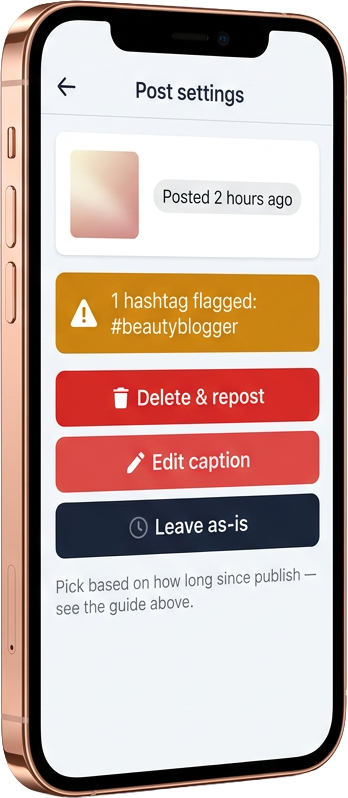
You have three options depending on how much time has passed since publish and whether the post has picked up any reach yet.
| Time since publish | Recovery action | Why this works |
|---|---|---|
| < 3 hours — no reach yet | Delete & republish without the restricted tag | Distribution window resets cleanly |
| 3 – 24 hours — partial reach | Edit the caption and remove the restricted tag | Keep what reach you've earned; can't reopen the window |
| > 24 hours — window closed | Leave the post as-is | Deleting now loses reach and creates a duplicate-content signal |
4 hashtag-checker tools, reviewed
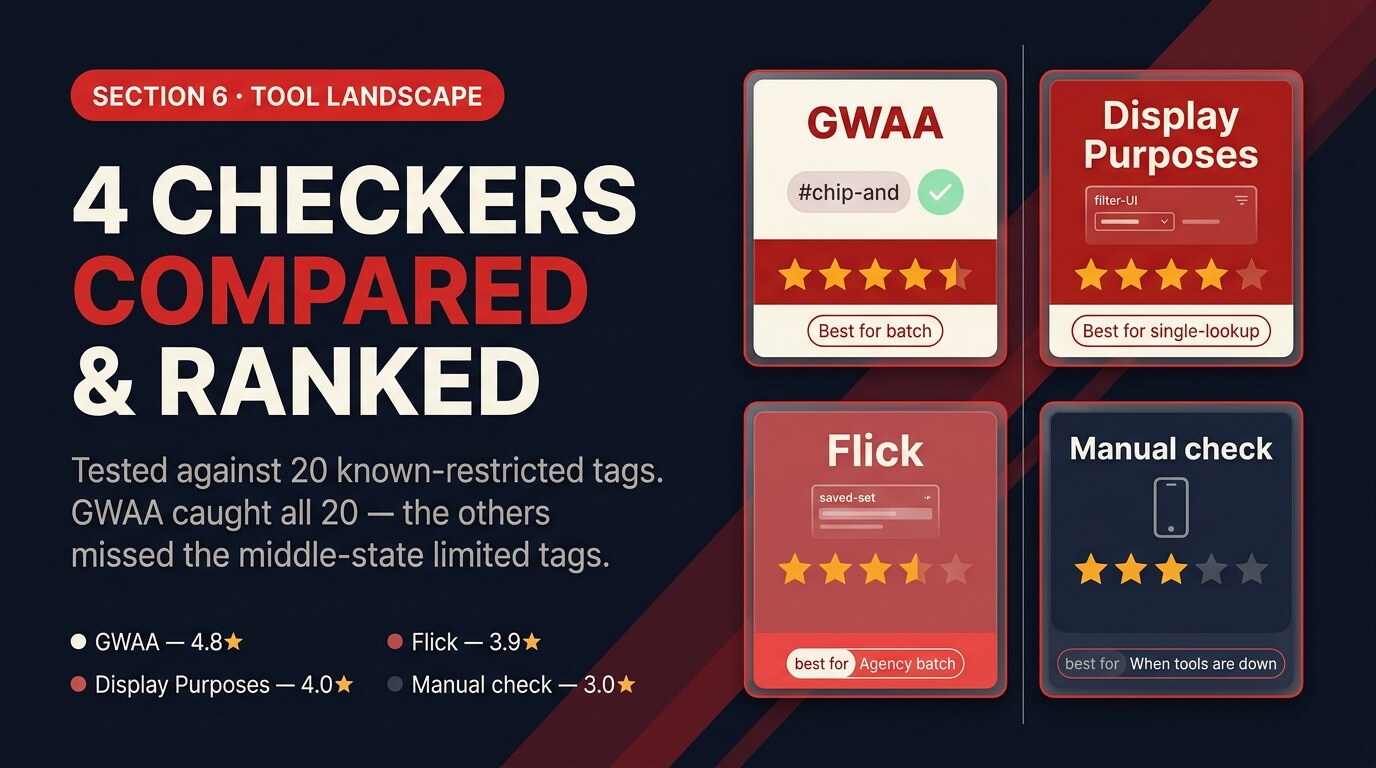
Four tools that check hashtag restriction status. We tested each with the same input list of 20 known-restricted tags. The differences come down to speed, accuracy, and whether they catch the quietly-limited middle state.
GWAA Banned-Tag Checker
Best for batch screening — built into the GWAA Hashtag Generator's flow; auto-screens every generated set against the live restriction list before showing results.
Pros
- Live, weekly-updated list
- Batch-check the full set in one click
- Catches the quietly-limited middle state
- Built into generation so screening is automatic
Cons
- Newer tool — smaller historical dataset
Verdict
The fastest workflow because screening happens during generation, not as a separate step. Try it before paying for anything else.
Display Purposes ban filter
Best for single-tag lookup — the long-running tool's filter quietly removes restricted tags from generation output. Works as a single-tag check too.
Pros
- Free, fast
- Built-in filter on generation
Cons
- No visible flag on the limited middle state — filter is binary
- No batch upload
Verdict
Solid free option, but you don't see why a tag was filtered out.
Flick ban detection
Agency batch use — Flick's paid hashtag manager flags banned tags inline in the saved-set view and warns before scheduling a post with one.
Pros
- Inline warning in the scheduler
- Tracks restriction history per tag
- Multi-account workflow
Cons
- Paid only
- Overkill for solo creators
Verdict
Worth the subscription if you run scheduled hashtag sets across multiple accounts.
Manual in-app check
When tools are down — tapping into the hashtag in Instagram's app reveals the "Recent posts hidden" banner if a tag is restricted. Free but slow.
Pros
- Direct from the source
- No tool required
Cons
- Doesn't catch the quietly-limited middle state
- Slow for sets of 7+ tags
Verdict
Use as a fallback. Don't rely on it for production checking.
How to find clean replacements
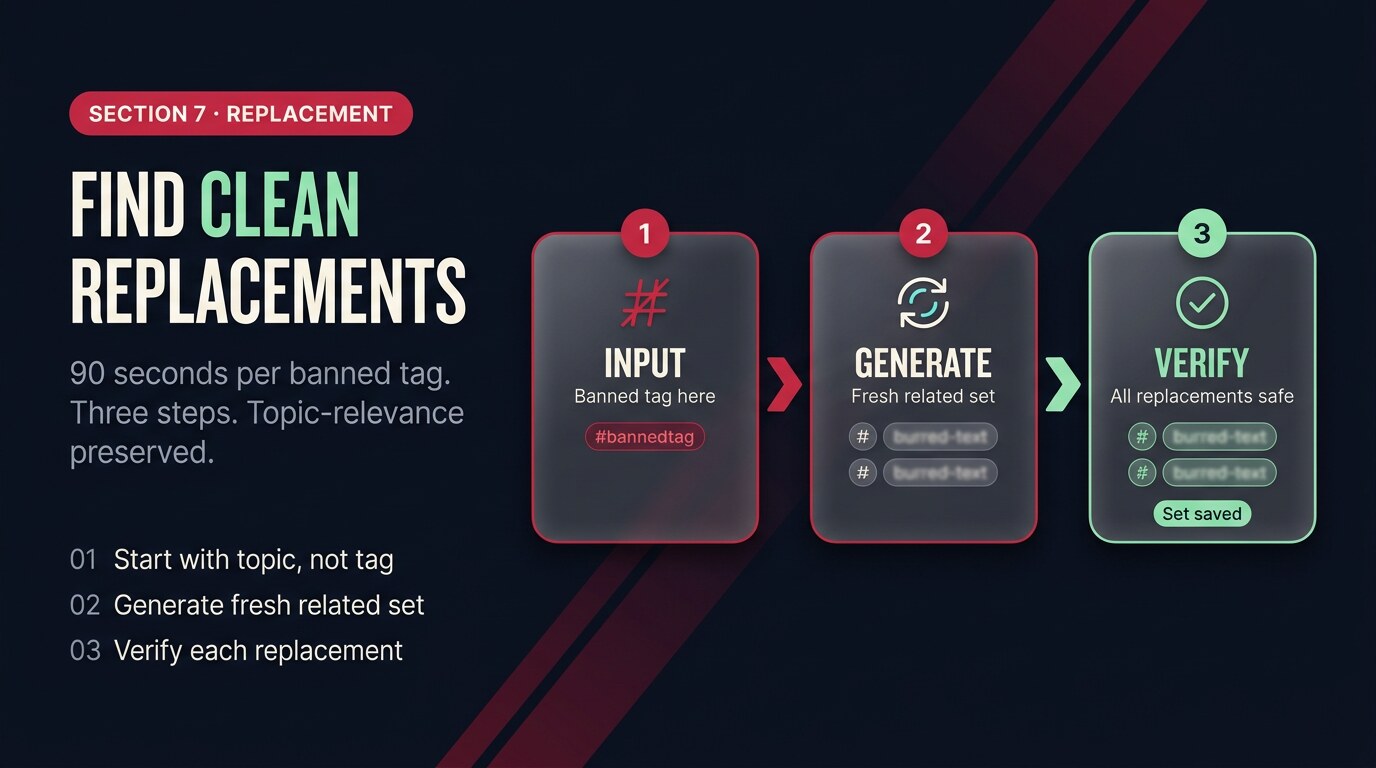
Identifying a restricted tag is half the job — replacing it without losing topical relevance is the other half. The replacement workflow takes about 90 seconds per tag.
Start with the topic the restricted tag was carrying. #beautyblogger is restricted, but the topic isn't — the post is about a beauty creator's content. Generate fresh tags for that exact topic (the GWAA generator's keyword input takes "beauty creator content" and returns a banded set including #beautyreviews, #beautytalk, #cleanbeauty, #mufeed — none of which carry the restriction). Verify each replacement is clean before you save it.
A single restricted tag can suppress an entire post's reach. The list updates weekly. Check before you publish — it costs nothing and protects everything.
5 takeaways
- Three restriction states: visible, quietly limited, fully hidden. The middle one is the dangerous one.
- Four trigger patterns: NSFW-adjacent, spam-magnet, contest-loophole, automation. Watch the pattern, not the tag.
- ~47 commonly-flagged tags at any given time. The list updates weekly.
- Check every tag before publishing. If you used one, recovery depends on how soon you act.
- Save your verified clean set monthly — one check protects every post in the cycle.
Auto-screen every hashtag before you publish
The GWAA Hashtag Generator runs a live restriction check on every tag it returns. You see clean / limited / hidden in the result, not after the post underperforms.
Open the GWAA Hashtag GeneratorRelated reads: Best Instagram hashtags for Reels in 2026 · How many hashtags should you use on Instagram · Why your hashtags aren't getting reach


